
Last updated: 09/29/2026. This comparison is published by Authory. Journo Portfolio's features and prices were checked against its official website on 29 September 2026.
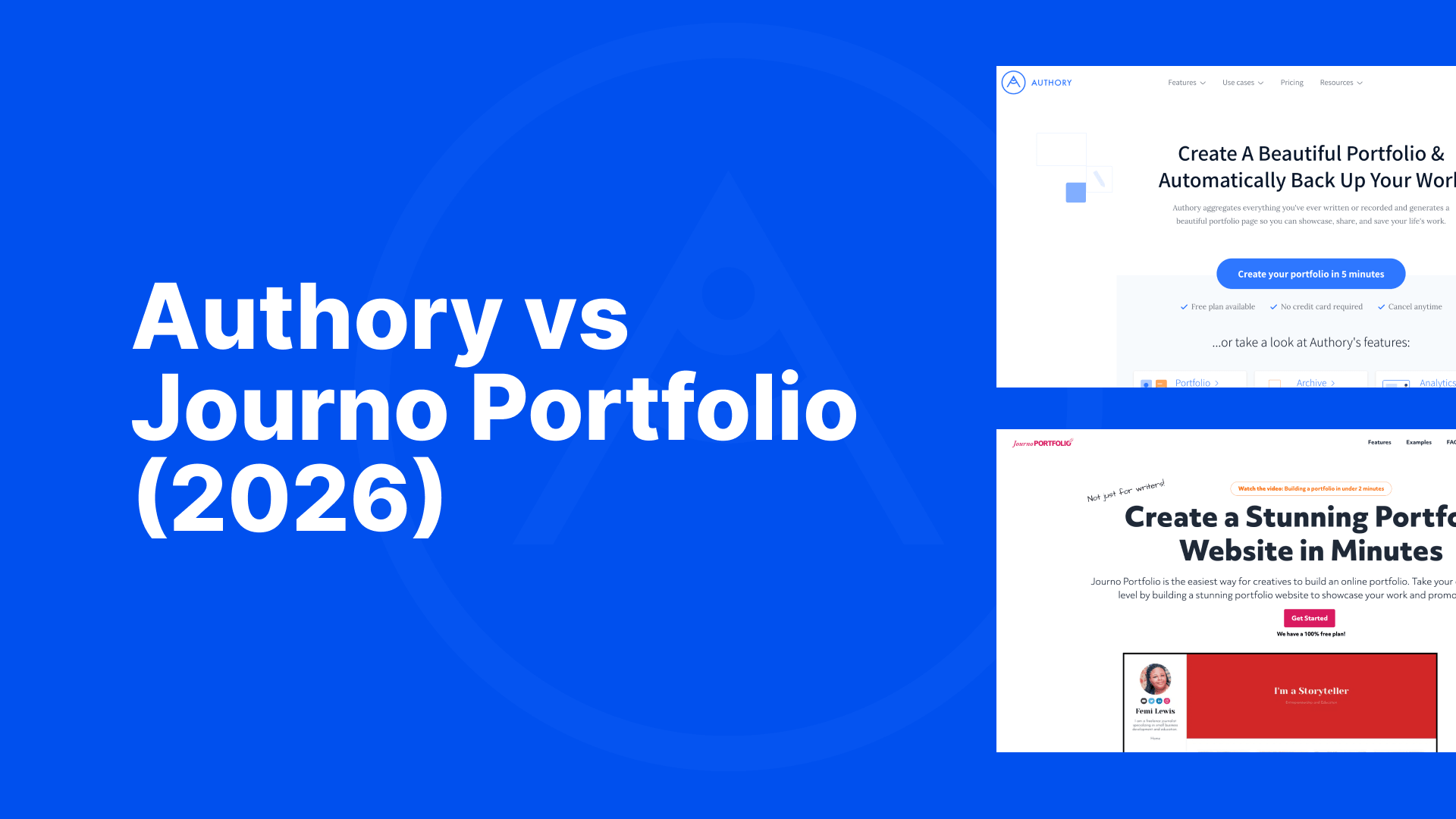
Authory and Journo Portfolio overlap as portfolio tools, but they are built around different workflows. Journo Portfolio is a portfolio website builder: You design a site and fill it with your work. Authory is an automated portfolio and archive tool, built archive-first: It creates a private archive of everything you have published, past and future, and your public portfolio is a filtered view of that archive. Journo Portfolio gives you more control over page design. Authory collects your published work automatically, keeps it as searchable full text, and builds a portfolio from that archive.
Here is the full comparison, including the areas where Journo Portfolio is the better fit.
Quick comparison
| Feature | Authory | Journo Portfolio |
|---|---|---|
| How content gets in | Enter the domain of any website where you have published: No feed needed, no profile page required. Authory finds your bylined work and imports new pieces as they go live (Standard plan and above). Anything else is added by URL, upload or browser extension, on every plan. | RSS feeds or profile page URLs you connect, checked once a day, on Pro and Unlimited plans. Other items are added by URL or upload. |
| Past work | Backfilled: Authory imports your publication history from each source, along with future work. | Not backfilled. An RSS feed brings in what it currently lists, and a profile page import reaches only that profile's first page; older work is added by hand. |
| What gets backed up | Full text and images of every imported piece, kept in your account and searchable even if the original disappears. | A PDF and a screenshot of each URL-based article (on Pro and Unlimited plans only). |
| Archive search | Full-text search across everything in your archive. | Full-text search not offered; backups are static copies. |
| Byline capture | For matched articles, Authory records the publication, byline and date at import. | No equivalent. |
| Content types | Articles, PDFs, images, podcasts, videos, social media posts, books and blog posts written on the platform; audio and video uploads from the Standard plan. The browser extension adds paywalled and ghostwritten work. | Articles by URL, PDFs, images, video and audio uploads, blog posts written on the platform. |
| Organisation | Unlimited collections on every plan: Standalone mini portfolios drawn from the archive, separate from your public portfolio, each with its own link, private by default. | Tags, blocks and automatic assignment of imported items to sections, within one public site. |
| Portfolio design | Professionally designed layout on every plan, polished without any design work; branding and layout options within it; no freeform page builder. | Flexible page builder with themes, galleries and layout control; the result depends on your own design work. |
| Newsletter | Built in, on every plan. | Weekly subscriber email on Pro and Unlimited. |
| Analytics | Social Media Impact on every plan: The engagement your articles received on social media, no matter who shared them. Google Analytics and Search Console on Professional. | Basic visitor analytics, Google Analytics and Search Console integration on Pro and Unlimited. |
| Price billed annually | Lite $9/monthStandard $15/monthProfessional $24/month | Plus $7/monthPro $10/monthUnlimited $14/month |
| Price billed monthly | Lite $12/monthStandard $19/monthProfessional $29/month | Plus $9/monthPro $12/monthUnlimited $18/month |
How your content gets in
With Authory, you enter the domain of any website where your work has appeared. That is the whole setup: No RSS feed to locate, no profile page required. Authory finds the work published under your byline and imports it, including articles, podcast episodes and videos, then keeps watching the site and imports new pieces as they go live. Import covers past and future alike: Point Authory at a publication and your history there comes in along with everything you publish next. Automated import runs on the Standard plan and above; Free and Lite are manually updated portfolios with the same archive behind them. Anything without your byline is added by URL, upload, or the browser extension in one click, which also covers paywalled and ghostwritten work.
Journo Portfolio's automatic import works from sources you connect: An RSS feed or a profile page URL, which it checks once a day, routing new articles to the blocks you choose. It is available on the Pro plan and above; everything else is added by URL or upload. The feed model carries two constraints in that each source needs a feed or profile page to exist, and neither one reaches far back. An RSS feed carries whatever the site currently lists, and a profile page import picks up only the first page of that profile, so a writer with many years at one outlet gets the most recent handful of pieces and adds the rest by hand.
If you publish in a few places with feeds and mainly need new work tracked, either approach works. If you want years of past work collected as well, Authory backfills your history from each source, which a feed-based import cannot do.
Backups and archive search
Both products back up URL-based articles automatically on their comparable plans. The formats differ, and the format decides what you can do later.
Journo Portfolio saves each article in two static formats, a PDF and a screenshot, and lets you switch a portfolio link to the backup if the original goes offline.
Authory saves each piece as full text with its images, in a private archive that stays in your account and stays searchable even if the original page disappears. Because the archive is native full text rather than static copies, you work with it at the content level: Search every piece where you covered a given topic, filter by publication, date or type, and export all of it at any time. In the future, Authory will also offer you the option to connect your archive to the AI of your choosing (e.g. ChatGPT, Claude, Gemini). This feature is strictly opt-in as Authory will never share your archive for LLM training purposes.
Organising your work, and sending it out
Journo Portfolio organises work with pages, blocks and tags, and can automatically assign imported items to sections; its documentation recommends this for managing large item counts. Those pages sit within your one public site.
Authory gives you both a public portfolio and private collections which are separate views of the archive that work as standalone mini portfolios. You can create any number of them, each with its own link, private by default and trackable when shared, and rules fill them automatically so new pieces land in the right place without manual sorting.
The practical use is targeted sending. When you pitch an editor, apply for a staff job or brief a client, you send a private collection holding exactly the relevant work, while your public portfolio stays as it is. Because Journo Portfolio arranges items on a website while Authory builds views on top of an archive, a collection for a job application or for a specific client pitch takes minutes to assemble rather than being built by hand each time.
Portfolio design
Journo Portfolio offers considerably more control over how a portfolio looks: Themes, image galleries, flexible layouts and multi-page sites. If you want to shape every element yourself, or your work is visual as much as written, its page builder gives you more to work with. The outcome rests on your own design judgement, since a freeform builder will let you build something that looks amateurish as readily as something that looks good.
Authory works differently: Every portfolio uses a professionally designed layout, so it looks polished from the moment your work is imported and stays that way as new pieces arrive. You need no design skills and no setup time to get a portfolio you can send to an editor. Within that layout you control branding, colours, fonts and the options that shape the page, on every plan. Standard and above add a custom domain, and you can add pages for an About, CV, services or contact section on any plan, which for many writers replaces a personal website.
If freeform layout control is your top priority, Journo Portfolio is the better tool for it.
Pricing: Comparable plans
Most comparisons quote Journo Portfolio's cheapest paid plan against Authory's standard plan. Those plans include different things, so compare tier for tier, on the same billing basis.
Journo Portfolio Plus costs $7/month billed annually for a manually updated site of up to 50 items, without automatic import, backups or a custom domain. Its closest Authory counterpart is Lite, at $9/month billed annually: Also manually updated, also up to 50 items, with the full content archive, Smart Share links and social media engagement tracking included.
The plans with automatic import and backups are Journo Portfolio Pro, at $10/month billed annually or $12 monthly, and Authory Standard, at $15/month billed annually or $19 monthly.
The gap between comparable plans is $5/month on annual billing. That difference buys byline matching from a domain alone rather than connected feeds, backfilled past work rather than new items only, full-text backups rather than static copies, and a searchable archive. Whether that is worth $60 a year depends on how much you have published and how much you would mind losing it.
Choose Journo Portfolio if...
- Design flexibility matters more to you than automation. Its page builder is the better tool for a visually customised site.
- You publish in a small number of places with feeds and mainly need new work tracked.
- You have no need for a searchable, full-text archive of your work.
- Price is the deciding factor and $7/month billed annually is your ceiling.
Choose Authory if...
- You want your past work collected as well as new work tracked, across every outlet that has carried your byline.
- You want your work protected as searchable, exportable full text rather than static copies.
- You want the portfolio, archive and newsletter to run themselves once set up.
- You have lost a clip to a site shutdown before and intend that to stay a one-off.
FAQ
Does Journo Portfolio import articles automatically?
Yes, on the Pro and Unlimited plans: connect an RSS feed or a profile page URL and it checks the source once a day, adding new articles to the blocks you choose. Each source needs a feed or profile page, and the import reaches only what that source currently shows, which for a profile page means its first page.
Does Journo Portfolio import past articles?
Not as a back catalogue. An RSS feed brings in the items it currently lists, and a profile page import picks up only the first page of that profile, so connecting a source mainly starts tracking new work. Anything older is added by hand, one URL or upload at a time.
Does Journo Portfolio back up the full text of articles?
Its backups are a PDF and a screenshot of each URL-based article, on the Pro and Unlimited plans. They preserve the piece as it looked; there is no full-text search across them.
Is Journo Portfolio cheaper than Authory?
Yes. Comparing the plans that include automatic import and backups on annual billing, Journo Portfolio Pro is $10/month and Authory Standard is $15/month. The difference pays for byline matching from a domain alone, backfilled past work, full-text backups and archive search. Note one further difference: since a September 2026 pricing change, Journo Portfolio's free tier no longer publishes a public portfolio, whereas Authory's Free plan does.
Does Journo Portfolio have a free plan?
Journo Portfolio still calls its free tier a "free plan," but since a 2026 pricing change that tier no longer publishes a public portfolio: your work stays hidden in the editor, and making it public requires a paid plan from $7/month. A portfolio you cannot put online is not really a portfolio. Authory's Free plan does publish: a public, searchable, backed-up portfolio of up to 10 items, at no cost.
Does Authory only import bylined articles?
No. Automated import finds your bylined work; everything else, including non-bylined articles, PDFs, audio and video files, social media posts and books, is added by pasting a URL, uploading a file or using the browser extension.
Can I try Authory before paying?
Yes, two ways. The Free plan costs nothing forever and holds up to 10 content items, each backed up and searchable. The 14-day trial gives you the full Standard or Professional experience, with no credit card required.
Can I have more than one portfolio?
On Authory, yes. Alongside your public portfolio you can create unlimited collections: separate mini portfolios drawn from your archive, private by default, each with its own link, for sending a specific selection of work to one editor, client or employer. Journo Portfolio is organised around a single site; you can add pages to it, but each is assembled by hand and sits within the same public portfolio.
Can you customise an Authory portfolio?
Yes. Every plan includes layout and branding options, and you can add pages for an About, CV, services or contact section. Standard and above support your own domain. What Authory offers no equivalent of is a freeform page builder; for that, Journo Portfolio is the stronger choice.
Bottom line
Choose Journo Portfolio if your priority is a lower-cost, customisable public portfolio. Choose Authory if your priority is collecting your work automatically, past and future, keeping searchable full-text backups of it, and building shareable portfolio views from that archive.