
Last updated: 29 September 2026. This guide is published by Authory. Competitor features and prices were checked against their official websites on 29 September 2026.
An Authory alternative may make sense if you only need a simple clip page, want more control over how the site looks, or do not need automated archiving. This guide compares the realistic options, including what each does better than Authory.
One distinction is worth settling first, because two very different products get called "writing portfolios".
Portfolio website builders give you a site you fill and arrange by hand. You control the design, and you do the maintenance.
Automated portfolio and archive tools work the other way round: The tool collects your published work into a private archive and builds the public portfolio from it, an archive-first approach. Backup, search, automatic updating and multiple portfolio views all follow from that design, because once the archive exists, any number of portfolios can be drawn from it. Authory is the only tool on this list that works this way.
Work out which of the two you need before comparing individual tools.
Quick comparison
| Tool | Best suited to | Starting paid price | Design control | Automatic collection | Backups and search | Multiple portfolios |
|---|---|---|---|---|---|---|
| Journo Portfolio | Design-flexible portfolio sites | From $7/mo billed annuallyImport and backups from $10/mo. Free tier no longer publishes a public site (September 2026). | High: page builder, themes | New work only, via RSS or profile feedPro and Unlimited; no back catalogue | PDF and screenshot copies, not searchablePro and Unlimited | Pages in one public site, built by hand |
| Clippings.me | A simple clip page, quick to set up | $9.99/mo billed monthly | Minimal | No | No | One page |
| Copyfolio | Design-led copywriter sites | From $9/mo billed annually | High: page builder, templates | No | No | Pages in one public site, built by hand |
| Squarespace | A polished DIY website | From $14/mo billed annually | Very high | No | No | Extra pages, built by hand |
| WordPress | Maximum flexibility, self-managed | Hosting from a few $/mo | Very high | Partial, via plugins | Not built in | Extra pages, built by hand |
| Muck RackComplement, not a replacement | Being found by editors and PR teams | Free for journalists | None | Byline matching, not customisable | No | One profile |
| ContentlyComplement, not a replacement | Content marketing clients | Free | Minimal | No | No | One portfolio |
| AuthoryComparison baseline | Automated archive plus self-updating portfolio | From $9/mo billed annuallyFree plan holds 10 items; automation from $15/mo | Professional by default; no freeform builder | Byline matching from any website, past and futureStandard and Professional | Full text and images, searchableEvery plan | Unlimited shareable collections, private by default |
Direct portfolio alternatives
1. Journo Portfolio: Design-flexible portfolio sites
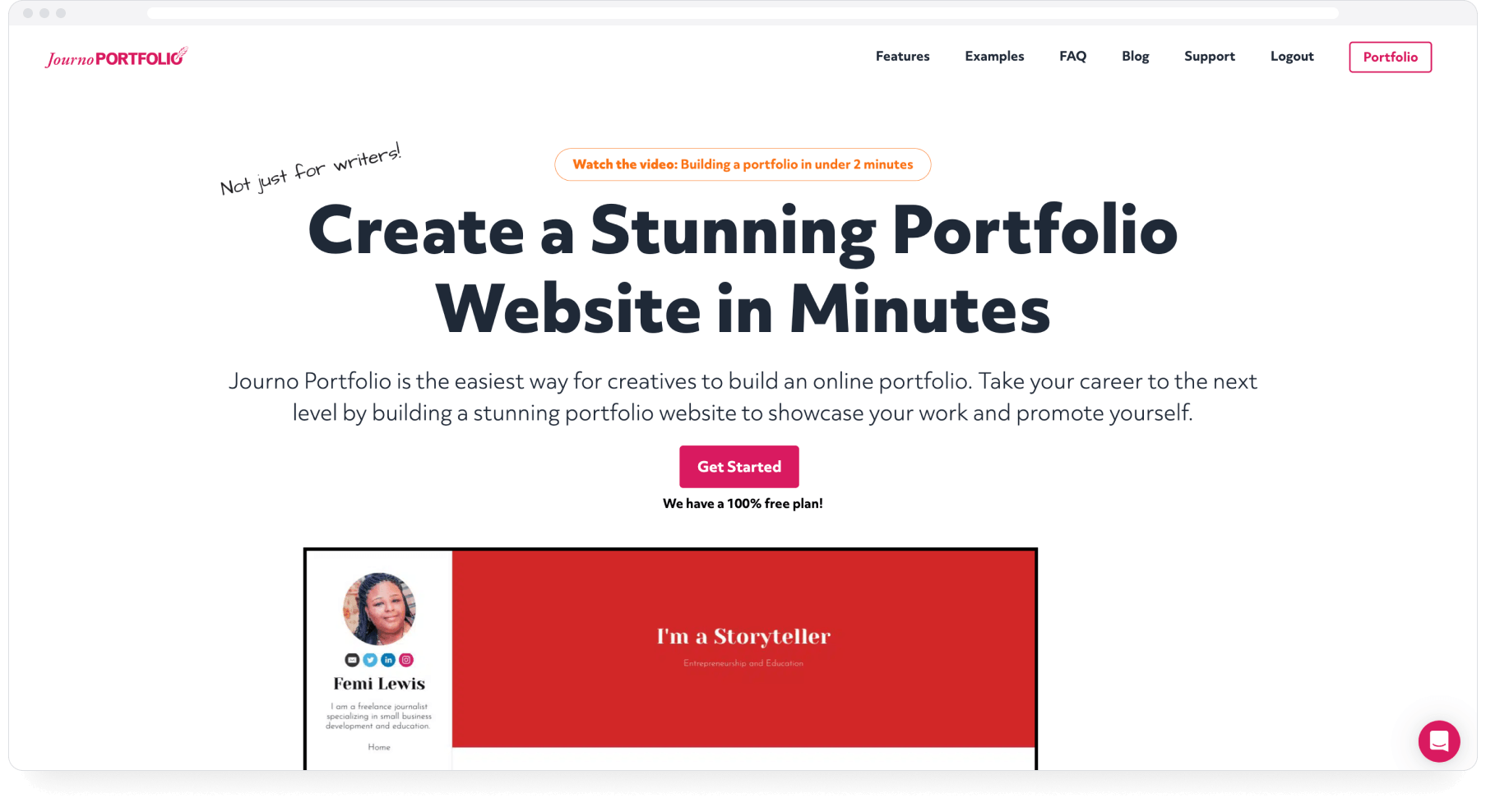
Journo Portfolio is the closest thing to a direct Authory competitor and the strongest builder on this list. Its page builder offers themes, galleries, multi-page sites and detailed layout control.
What it does well:
- Flexible site design with themes and a proper page builder
- Handles articles, PDFs, images, video and audio uploads, plus blog posts written on the platform
- Automatic import of new articles from RSS feeds or profile pages you connect, checked daily (Pro and Unlimited plans)
- PDF and screenshot backups of URL-based articles (Pro and Unlimited plans)
- Tags and automatic assignment of imported items to sections
What it does not do: Automatic import needs a feed or profile page per source, and it reaches only what that source currently shows: an RSS feed brings in its current items, and a profile page import picks up only that profile's first page, so years of older work are added by hand. It does not match articles to your byline from a domain alone. Backups are static image/PDF copies, and there is no full-text search across them. Its pages also live within one public site, so there is no equivalent to separate, private mini-portfolios assembled for individual pitches.
Journo Portfolio still calls its free tier a "free plan", but since a September 2026 pricing change that tier no longer publishes a public portfolio: you can build one, but it stays hidden in the editor until you upgrade (from $7/month). A portfolio you cannot put online is not really a portfolio, so we do not count this as a free way to publish your work.
Pricing (updated September 2026): No free plan that allows you to publish your portfolio. The free tier keeps your work in the editor, hidden from a public site, so publishing needs a paid plan. Plus at $7/month billed annually or $9 monthly. Pro at $10/month billed annually or $12 monthly adds custom domain, automatic import and image/PDF backups. Unlimited at $14/month billed annually or $18 monthly.
Best for: Writers who want detailed control over how their site looks, publish in a manageable number of places with feeds, and can live without a searchable full-text archive.
The tradeoff: You get more design control than Authory offers, with less automation behind it. New work is tracked, past work is your job, and if an outlet deletes a piece, you keep a PDF copy of it.
For a feature-by-feature breakdown, see our full Authory vs Journo Portfolio comparison.
2. Clippings.me: A simple clip page with quick setup
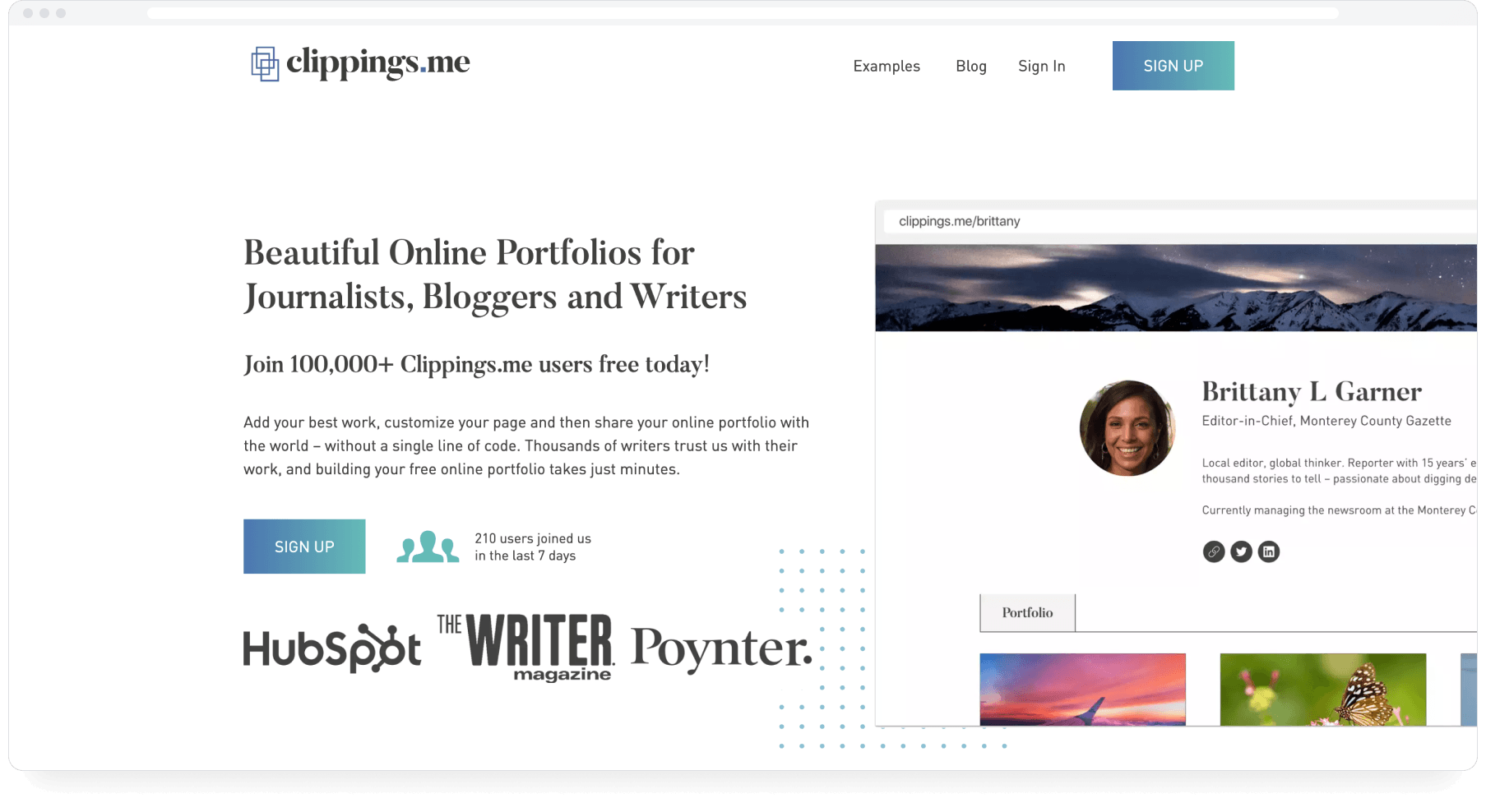
Clippings.me has been running since 2011 and does one thing simply: a clean page of links to your work, live in an evening. You add articles by URL or upload PDFs, embed video and audio, and share the page.
What it does well:
- Quick to set up: paste URLs, upload PDFs, publish
- Free plan covers 10 clips (but no PDF uploads)
- Premium adds unlimited clips, PDF uploads, custom domain, password protection and Google Analytics
- Running since 2011, so the product is stable and well understood
What it does not do: Items have to be added and maintained by hand. There is no import, no automatic updating and no backup beyond PDFs you upload yourself. When a linked article dies, the link on your portfolio dies with it. Design options are minimal.
Pricing: Free (10 items). Premium at $9.99/month, monthly billing.
Best for: Early-career writers who need a presentable clip page today and have a small body of work.
The tradeoff: Clippings.me is quick to set up, but every new item and every broken link has to be managed by hand. Note the billing basis when comparing: Premium's $9.99 on monthly billing sits between Journo Portfolio Pro's $10 (annual) and $12 (monthly), with fewer capabilities.
3. Copyfolio: Design-led copywriter sites
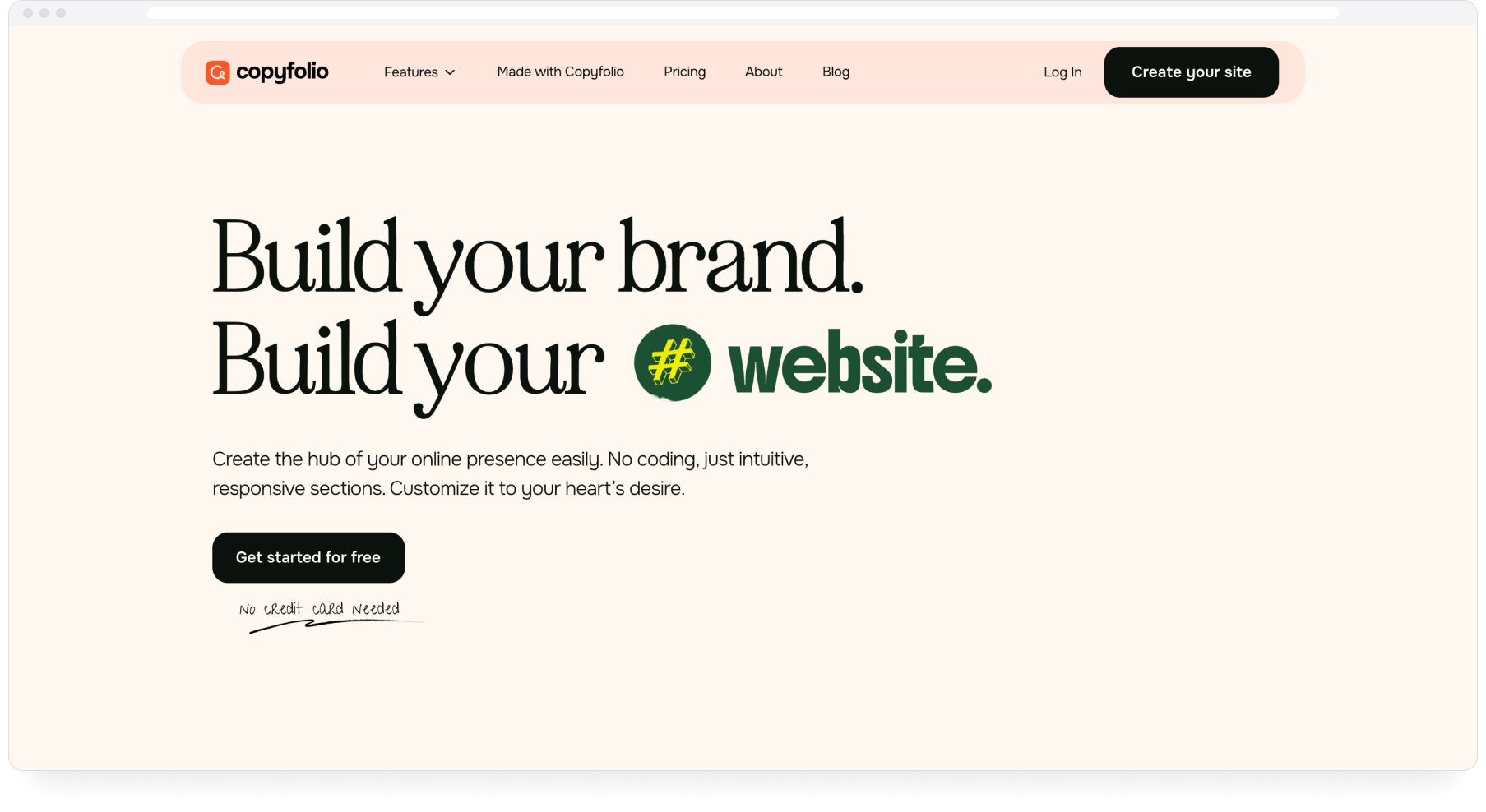
Copyfolio is a website builder aimed at copywriters, marketers and UGC creators. It leans hard into visual presentation: template-driven, built around case studies, and quick to set up.
What it does well:
- Templates designed around case studies and campaign work
- Blogging built in
What it does not do: Copyfolio does not import or back up published work, and there is no archive behind the site. The design-first templates can also bury long-form writing, which makes it a weaker fit for journalists than for marketers.
Pricing: Free plan. Premium at $9/month billed annually.
Best for: Copywriters and marketers whose work presents best as visual case studies.
The tradeoff: Copyfolio is built for showing campaigns rather than managing a growing body of published journalism.
4. Squarespace: A polished DIY website
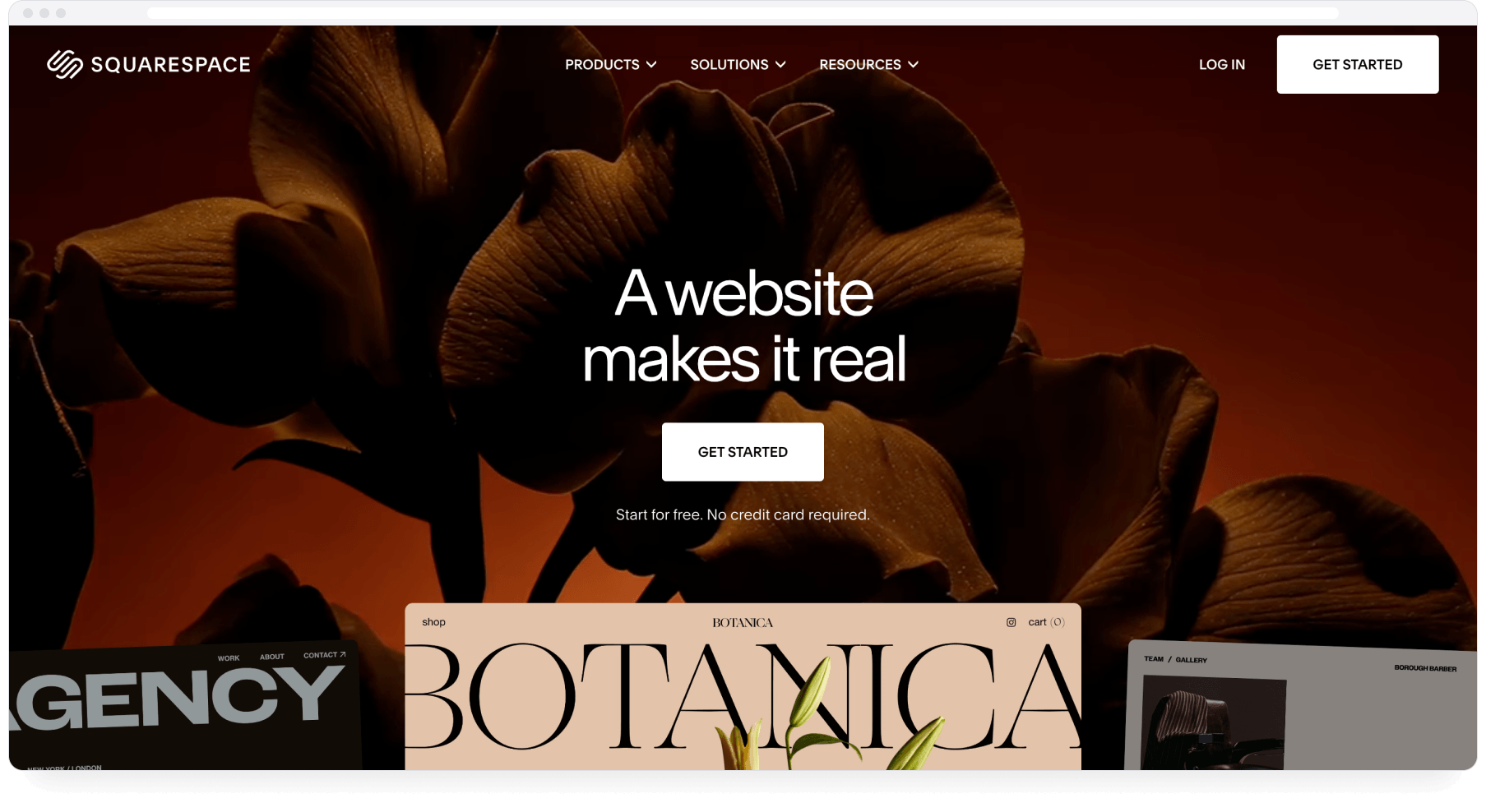
Squarespace is a hosted website builder with strong templates. Your portfolio becomes one section of a site that can also carry a shop, a booking page or a blog, all under your own domain.
What it does well:
- Polished templates and full design control
- One site for your whole professional presence, including a shop or booking page
- A large range of templates, plus third-party support and documentation
What it does not do: Nothing portfolio-specific is automated: No auto-import, no backups of published work, no archive. Every piece is added and maintained by hand.
Pricing: From $14/month billed annually.
Best for: Writers who want one polished site for everything and accept the upkeep.
The tradeoff: You get full design freedom, and your portfolio stays only as current as your last editing session.
5. WordPress: Maximum flexibility, self-managed
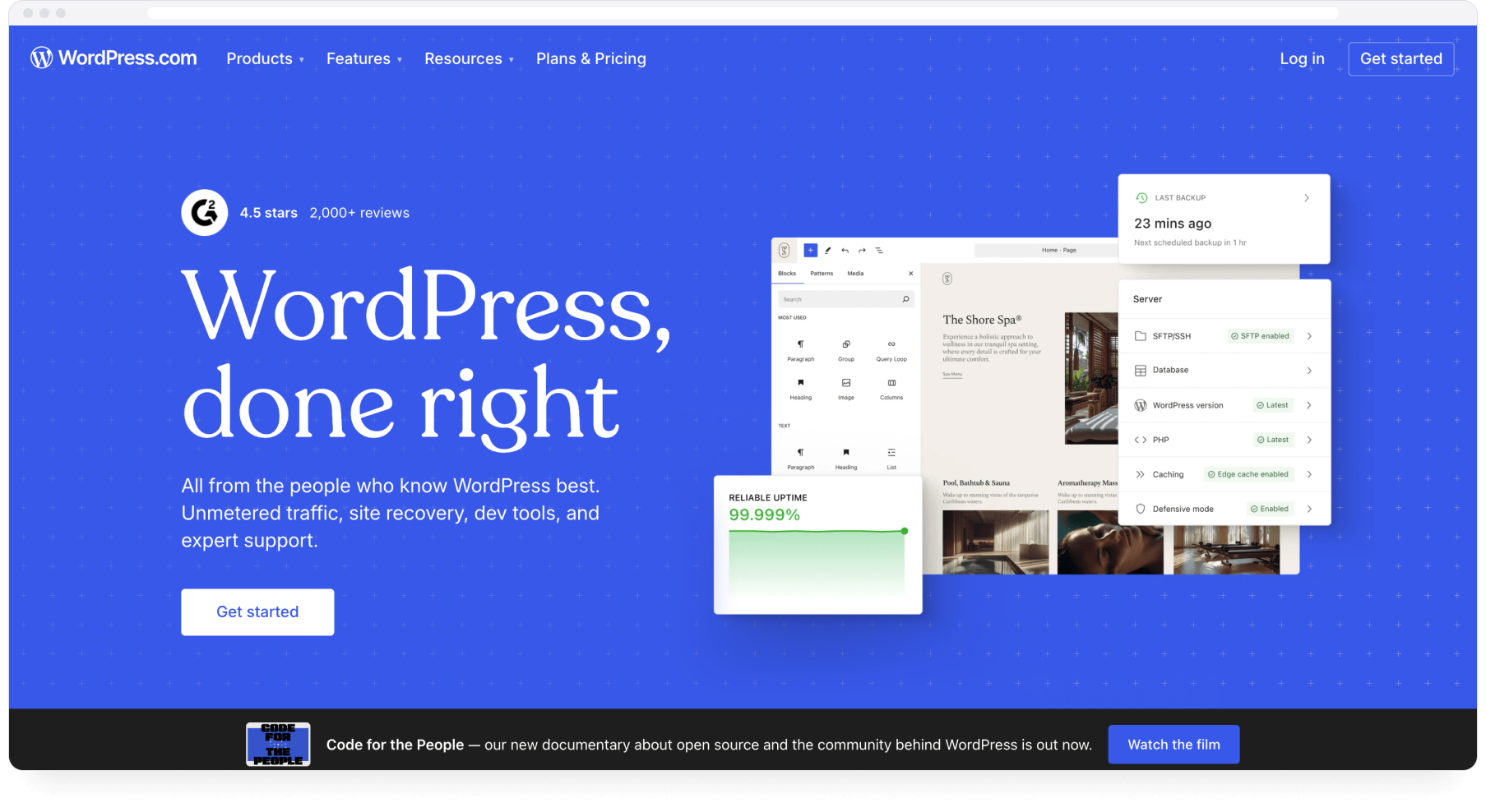
WordPress offers the widest range of customisation of anything on this list, depending on the theme, host and plugins you choose. Self-hosted or managed, it has plugins for almost anything, including RSS-based import and backup tools that can automate parts of a portfolio workflow.
What it does well:
- The widest range of customisation of any tool here, depending on theme, host and plugins
- Plugins can automate parts of the job, including feed imports
- Costs can be very low on basic hosting
What it does not do: Nothing is assembled for you. The import, backup and search capabilities exist only if you select, configure and maintain the plugins yourself, and on self-hosted WordPress, security patches and updates are also your job.
Pricing: Hosting from a few dollars per month; managed hosting and premium plugins cost more.
Best for: Technically comfortable writers who want full ownership and enjoy running their own stack.
The tradeoff: WordPress can do a lot of what the other tools do, once you have selected, configured and maintained the plugins that do it.
Useful complements rather than replacements
Two platforms often named as Authory alternatives do a different job: They make you findable rather than hosting a portfolio you control. Both pair well with any tool above.
Muck Rack: Being found by editors and PR teams
Muck Rack is a media database used by PR professionals, and journalists get free profiles inside it. That reverses the usual portfolio logic: Instead of you sending your work out, editors and PR teams searching your beat find you.
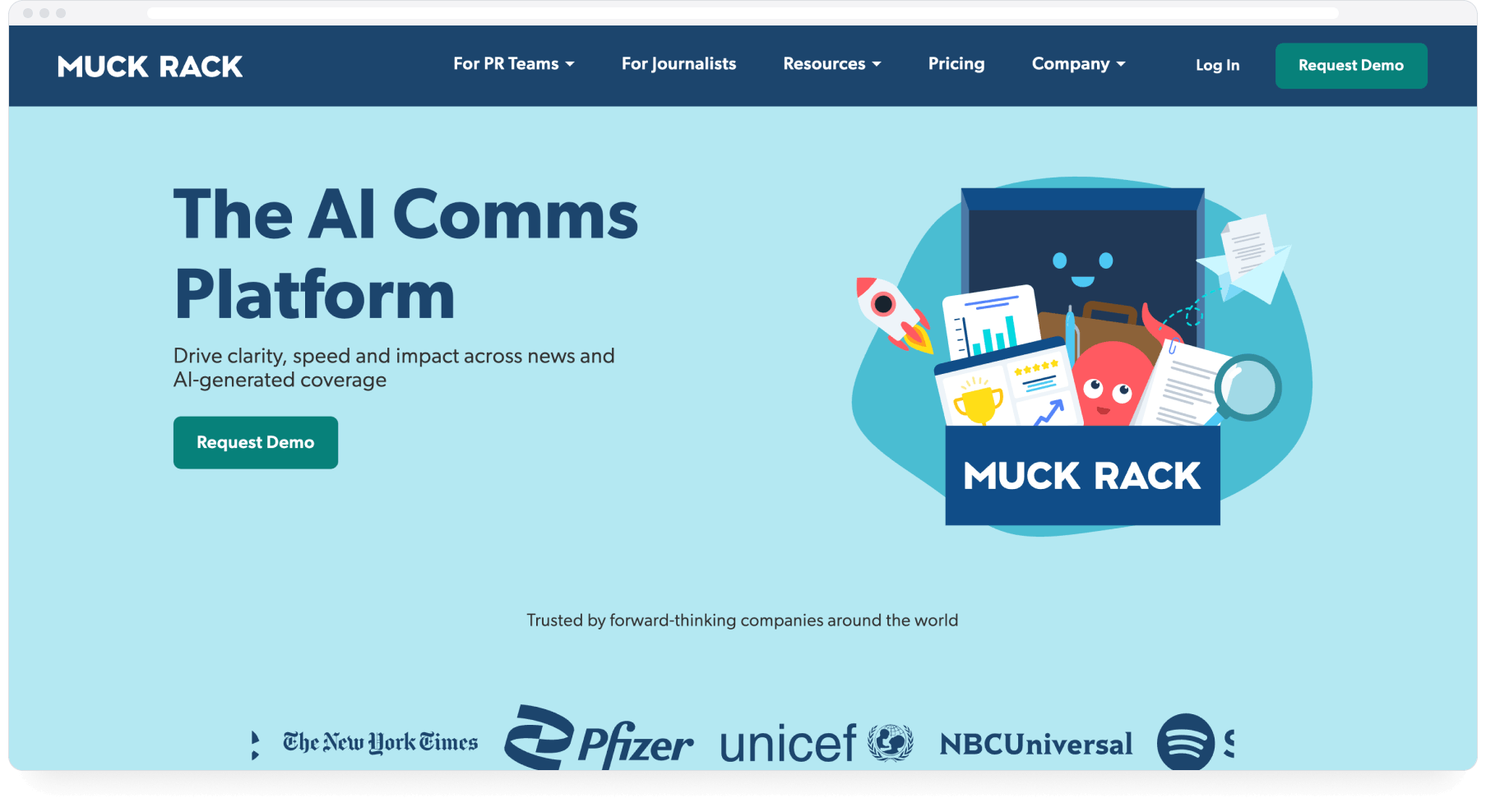
What it does well: Free for journalists; profiles compile bylined work; editors and PR teams actively search it.
What it does not do: Muck Rack controls the profile layout and hosts it on its own domain, alongside every other journalist's. There is no backup of any kind, and being listed means PR pitches will follow.
Best for: Working journalists who want to be findable alongside a portfolio they run elsewhere.
Contently: A route to content marketing clients
Contently offers free portfolios as the front door to its content marketing marketplace. Brands using Contently's platform hire from its talent pool, so the portfolio doubles as a job application.
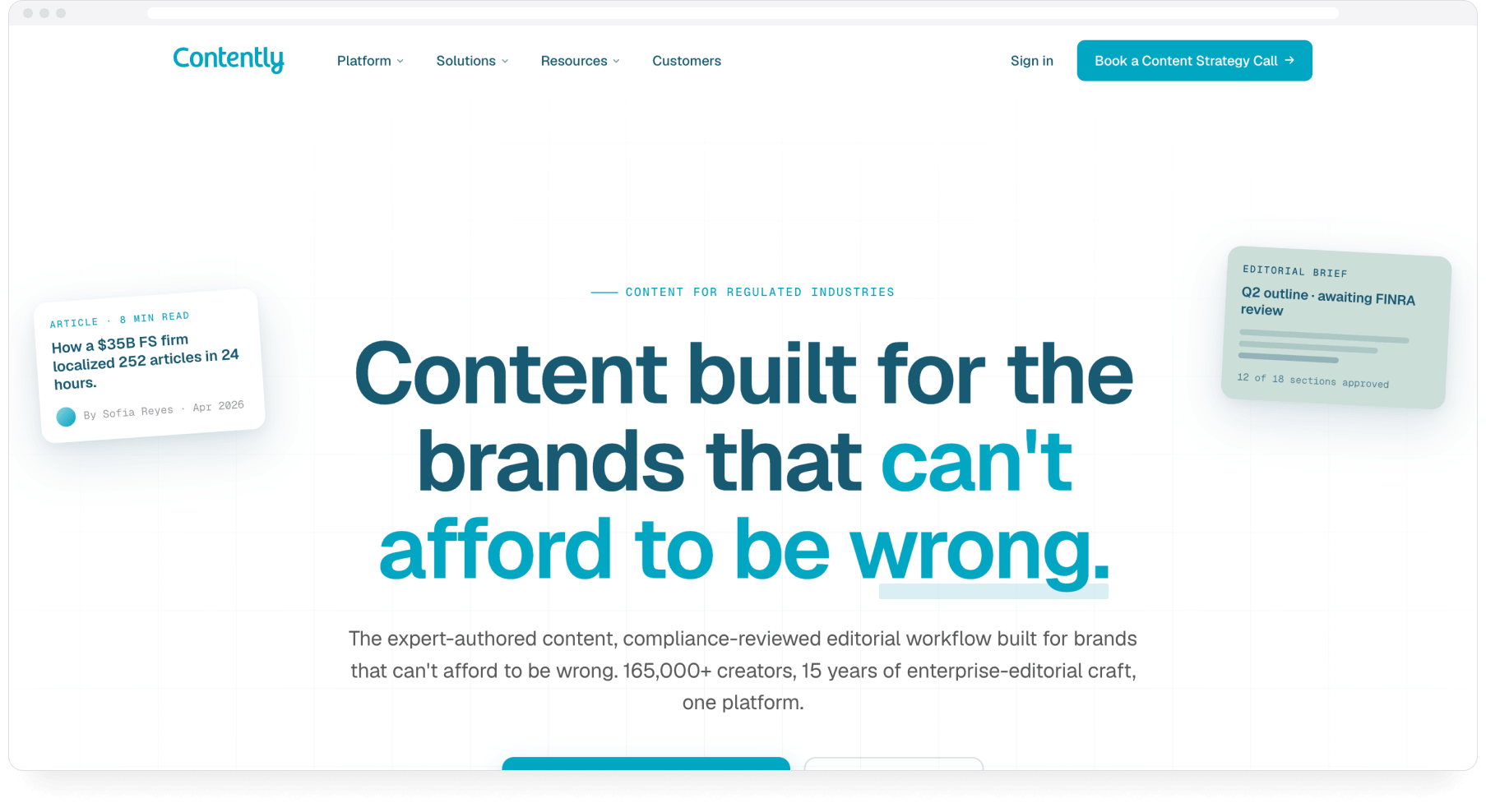
What it does well: Free; clean standard format; a direct line to paid brand work if you match what Contently's clients need.
What it does not do: Contently portfolios are closely tied to its talent marketplace and offer little control over design or domain, with no backup and no archive. If brand content is outside your market, the main benefit disappears.
Best for: Freelancers actively targeting content marketing work.
How to choose
Design control as the priority: Journo Portfolio for writers, Copyfolio for marketers, Squarespace or WordPress for full control over the site.
Something free and live today: Clippings.me handles the clip page, Muck Rack the findability. Running both is reasonable, since they overlap very little.
Clients finding you: Muck Rack for journalism, Contently for brand work.
Sending tailored work samples: If you regularly pitch editors or apply for gigs with a different selection of clips each time, you want separate mini-portfolios rather than one public page. Only Authory builds these from an archive; on every other tool here, each one is a page you assemble by hand.
Collecting and protecting a body of work: None of the tools above does this. The builders display work you add by hand, and feed-based imports track new pieces rather than your publication history. That is the job described in the section below.
Where Authory differs
Among the tools reviewed, Authory is the only one that combines byline matching from a domain alone, importing of past and future work, and searchable full-text backups including images. Anything without your byline is added by URL, uploaded or added via a browser extension, which none of the tools above offers.
The archive also changes what a portfolio is. Alongside your public portfolio, you can create any number of collections: Separate mini-portfolios drawn from the same archive, private by default, each with its own share link. Writers use them to send a tailored set of clips for one pitch, one beat or one job application, without touching the portfolio everyone else sees. Because the work is already collected, assembling one takes minutes; on a website builder, every extra page is built by hand from whatever you remembered to add.
The Free plan holds 10 items at no cost, every paid plan has a 14-day trial with no credit card required, and Standard, which includes automatic importing, costs $15/month billed annually.
FAQ
Why do people look for Authory alternatives?
Writers generally consider alternatives when they want a cheaper manually maintained portfolio, more freeform control over site design, or a simpler tool for a small number of work samples. Authory's Free and Lite plans cover the smaller-portfolio case, while Journo Portfolio, Copyfolio and general website builders offer more design control.
What is the closest alternative to Authory?
Journo Portfolio is the closest lower-cost alternative for writers mainly looking to replace Authory's public portfolio. It offers more design control, but not the same combination of byline matching, past-and-future importing, searchable full-text backups and archive-based organisation.
Can you create more than one portfolio?
On Authory, yes: alongside your public portfolio you can create unlimited collections, which are separate mini-portfolios drawn from your archive, private by default and each with its own link. They are built for sending a specific selection of work to one editor, client or employer. The website builders on this list are organised around a single site. You can add pages to that site, but each one is assembled by hand and sits within the same public portfolio.
Is there a free alternative to Authory?
Yes. Clippings.me, Copyfolio, Contently and Muck Rack still offer free tiers, with the limits listed above. Journo Portfolio is the exception to watch: it still calls its free tier a "free plan," but since a 2026 pricing change that tier no longer publishes a public portfolio: your work stays hidden in the editor until you upgrade (from $7/month), and a portfolio you cannot put online is not really a portfolio. Authory's Free plan does publish: a public, searchable, backed-up portfolio of up to 10 items, at no cost forever, and paid plans can be tried for 14 days without a credit card.
Do any Authory alternatives back up your content?
Journo Portfolio saves a PDF and a screenshot of each URL-based article on its Pro plan and above. The other tools store links and files you upload yourself. Authory is the only tool on this page that keeps a searchable full-text archive, including images, of the work it imports.
Bottom line
If you need a page that shows your best work, several tools on this list will do it well, some of them free. Pick based on how much design control you want and how much upkeep you will honestly do. If you need your work collected automatically, past and future, kept safe, and ready to be sent out as a tailored selection whenever you pitch, Authory is the only tool on this page built for that. Before choosing, open your current portfolio and count two things: How many published pieces are missing from it, and how many links no longer work.