

One of our main goals for Authory is to help you showcase your work samples as beautifully and efficiently as possible. Unlike your average homepage builder, we are focussing on making your work look great out of the box, no fine tuning the CSS of some obscure template required.
That focus has been intentional. But over time, many of you told us you wanted more flexibility in how your portfolio feels.
Some users wanted a more editorial look. Others wanted something bolder, or more personal. And some wanted their portfolio to better reflect their own brand.
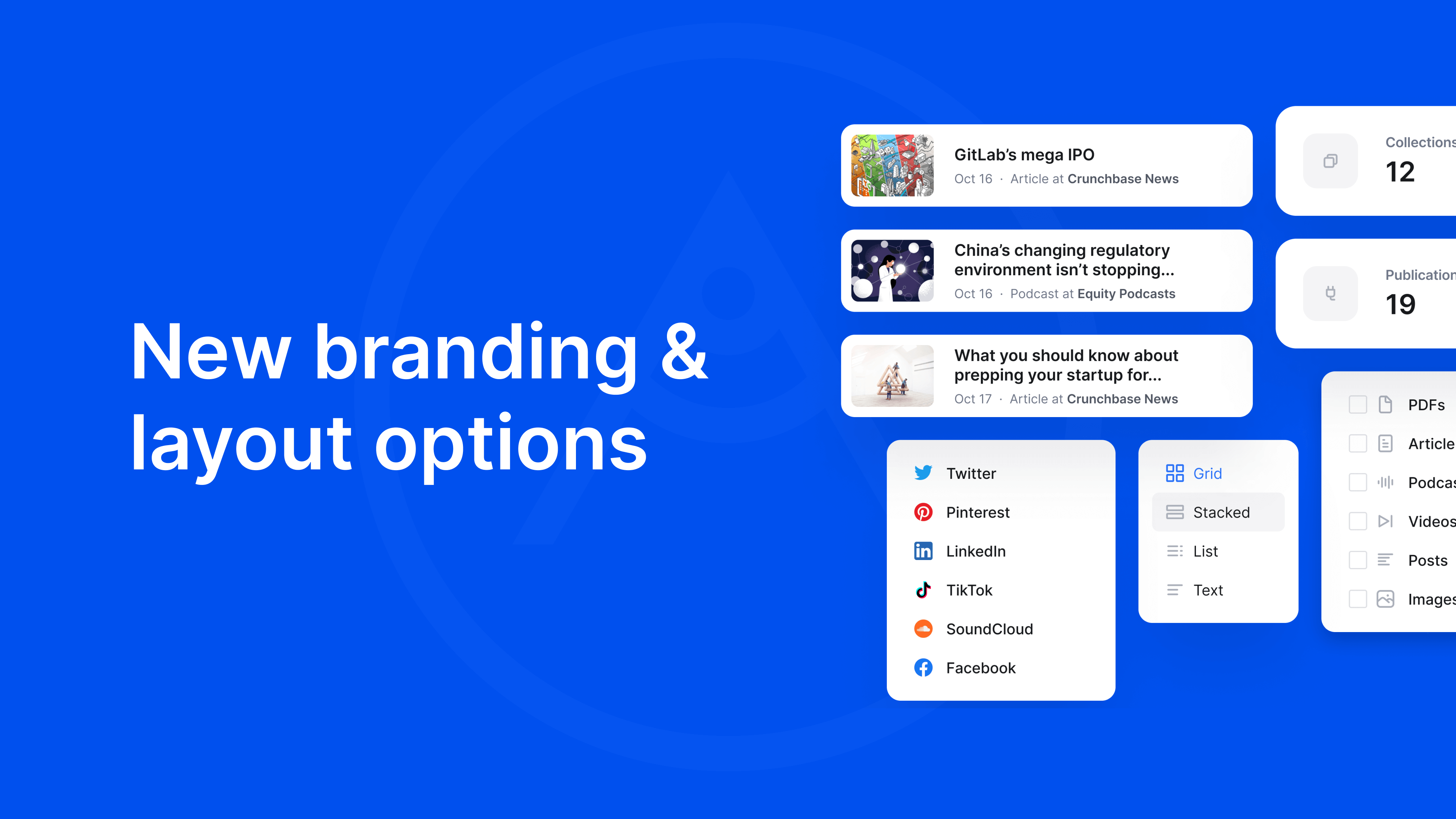
With this update, we introducing exactly that: Simple but powerful options to change the layout and design without turning Authory into something where you'll need to read a manual first.

The new options are split into two categories: Branding and Layout.
Branding: Allows you to select fonts for your portfolio, and select a background as well as accent color.
Layout: Select the style of the header, as well as the way the collections and content items are being displayed.
Together, these settings allow the same portfolio to take on very different styles easily.
If you want to explore all options in detail, we’ve put together a step-by-step guide that walks through the new branding and layout settings. And if you prefer a quick overview, check out the short video walkthrough below:
