

What are Collections?
Collections in Authory serve two main purposes:
1. Portfolio Organization
Collections appear as tabs on your public portfolio. Each one groups together related content (e.g. “Fintech Articles”, “Interviews”, “Published in The Guardian”).

You can create as many collections as you like, there’s no limit. And you can decide which work samples appear in the respective collections, of course.
2. Standalone, Shareable Mini-Portfolios
Every collection also works as a standalone page with:
- Its own background image and title
- Optional description
- A private share link (if you choose to enable it)
This means you can use collections as mini-portfolios, tailored for specific audiences or use cases like job applications or client pitches.
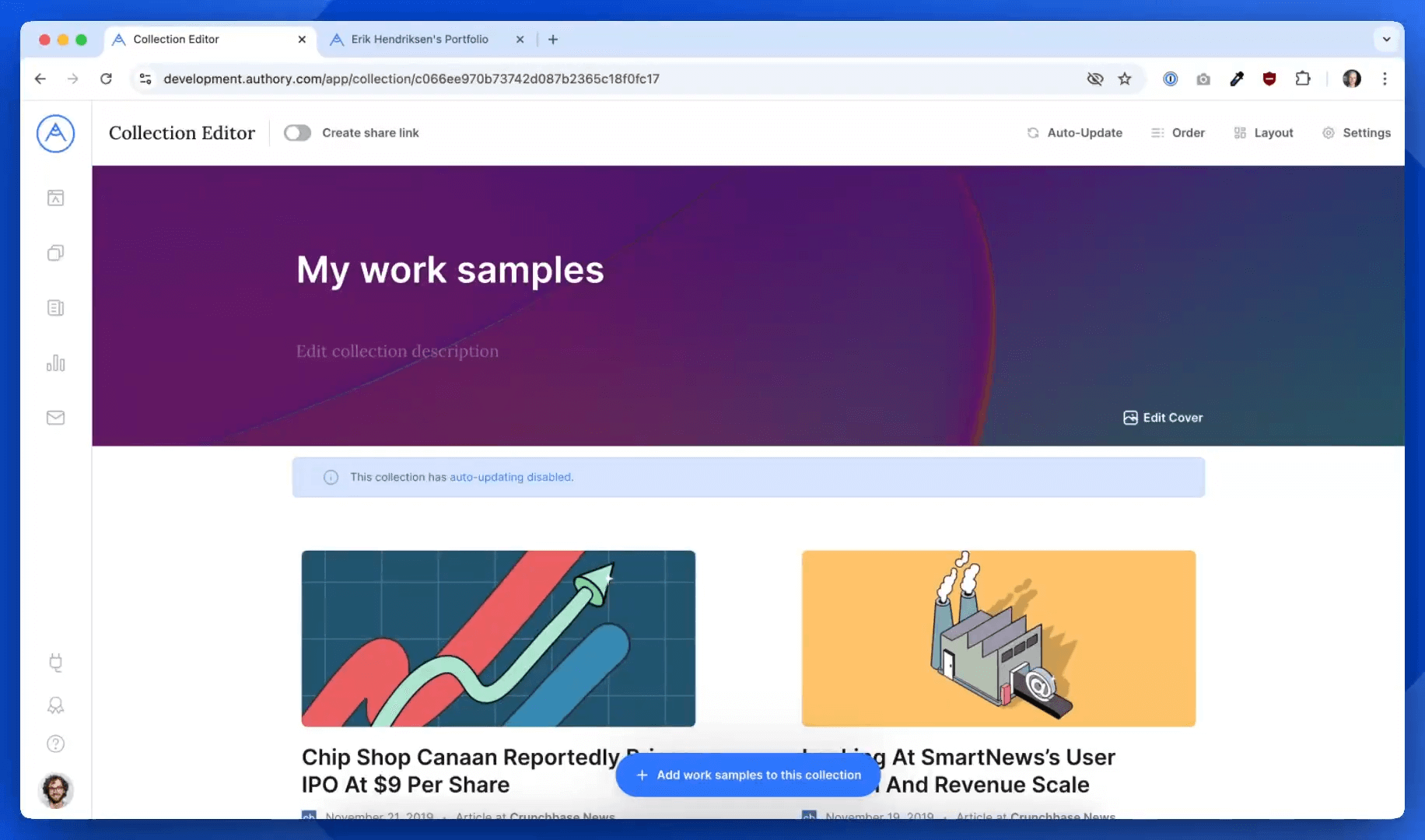
Public vs Private Collections
Not every collection needs to appear on your public portfolio.
To keep a collection private:
- Don’t add it to your portfolio layout
- Just use the share link to send it to specific people
For example, you might create a collection titled My Work Samples for [Company Name] with curated pieces relevant to a job description. Then share the link privately, it won’t be visible on your public Authory page.
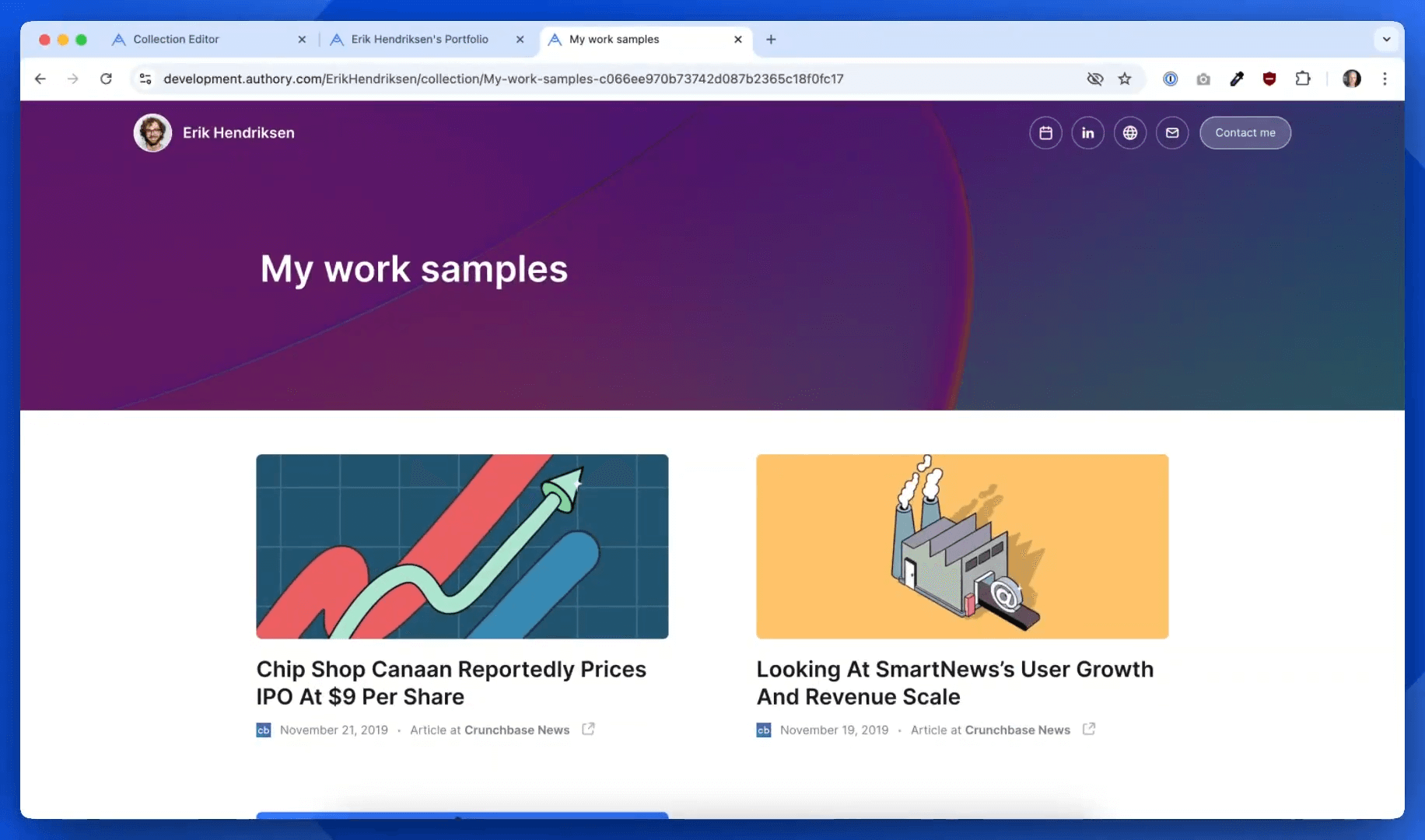
If you want to make a collection public, just add it to your main portfolio via the Portfolio Editor.
Where to Manage Your Collections
To view all your collections go to the Collections section in your dashboard.
You can edit, rename, update, or delete them or enable/disable share links at any time.
That’s It!
Collections let you organize your content for different audiences and use cases:
- Public-facing tabs for your general portfolio
- Private, personalized collections for targeted sharing
Want to learn more or need help setting up your collections? Visit the Help Center or reach out to support.
