What you need to know about how search seems to have changed.
· 5 min read

Medium announced some changes around the start of the year I think, and mentioned they would also be improving their search function. I assumed they meant for SEO and Google search because it was around the same time they let us know we’d earn if someone became a member after reading our posts.
Since I’ve long been pretty good at writing SEO content, I was happy. I expected to do well with converting people to members since the majority of my traffic had always come from Google.
But the search feature on Medium, ya know the magnifying glass at the top of the page? It’s always been somewhat mystifying for me. I would search and get super old posts from like 2016.
Or I’d get posts that seemed to have nothing to do with the word I searched.
At all.
It was similar to Medium’s home page. Sometimes, the posts there would all of a sudden be super old like sometimes 6 months or a year old. With all the content being published daily on Medium, I couldn’t believe that they had to resort to featuring old posts on the home page.
Something was definitely wonky. And it would be that way every time Medium started making changes to other things. So I chalked it up to technical issues.
The search function though? It never seemed to be reliable. I stopped using search at all. I think a lot of writers did. Every so often I’d forget and try to use it to find something and be disappointed.
But just tonight, with the new announcement about topic pages going way and readers being able to follow tags, it made me wonder. So I tried it.
I went to Medium’s search box and typed in “budgeting”. In the past, a search like that would have brought up a ton of different content involving money. But this time, I did get a page full of posts about budgeting, most had the word in the title.
But lo and behold they were pretty old ones. One from 2018!
And then I realized something.
The search feature automatically defaults to the “stories” tab. But next to that were three other tabs: Publications, People, and Tags.
So I clicked tags. I was then given a list of tags to choose from:
- Budgeting
- Budgeting Tips
- Budgeting App
- Budgeting and Planning
- Budgeting for Travel
I chose budgeting.
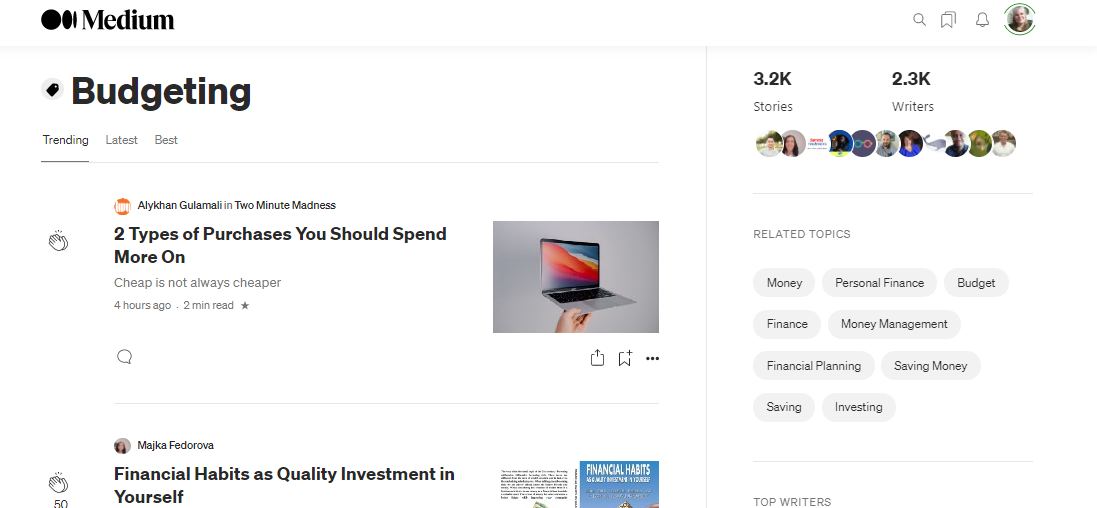
Strangely enough, the posts didn’t all have budgeting in the title like they did on the stories page. But they did seem to be budgeting focused.
And on the right side it told me how many stories and how many writers. So now, I know what I’m up against if I post using this tag. It also listed a group of related topics. Helpful for thinking about other tags I may want to use for my post. Down further was a list of top writers for that tag.
So that’s good information that I didn’t have before. I now can enter a tag and see how many stories and how many writers are already in that tag, other related tags and who the top writers are.
I’ll know if I’m a big fish in a little pond or a little fish in a big pond as far as competition.
But would it work for other tags?
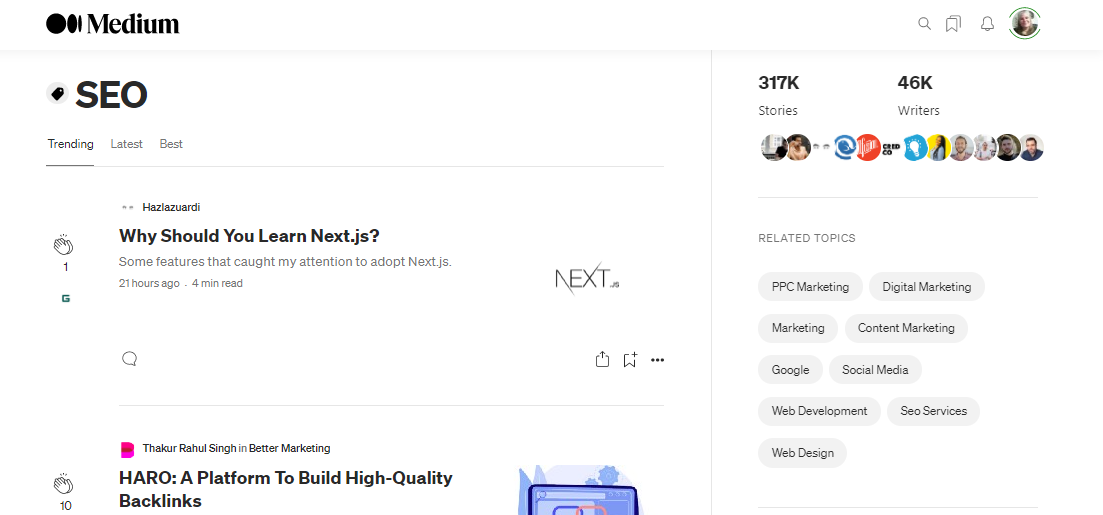
I typed SEO into the search. It’s a topic I write about often and a tag I use a lot. Pretty much the same result. Not every post had SEO in the title but they involved some aspect of SEO.
Wait, there’s something else though. Tabs across the top: Trending, Latest, and Best. These don’t appear to be working properly yet, but they’re there.
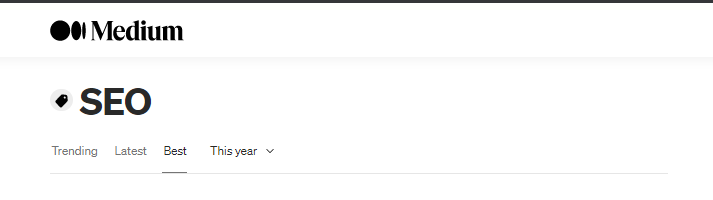
And when I clicked on Best, another tab showed up, “This year” and it’s a drop down menu so you can click this week, this month, this year, or all time. If that menu works accurately, this would be some great information to have.
I’m really not sure how long these newly formatted search pages based on tags have been active. I’d love to know if maybe they’ve been there awhile and I just wasn’t aware of it. But it would seem they haven’t been around too long because they don’t seem to be working properly just yet. I saw the announcement about the new tag pages and wrote about it yesterday.
I guess it’s up for debate about whether the new tag pages will be helpful to readers trying to find blog posts with specific tags. But I for one am hopeful. And I certainly am glad to have the extra information to help me figure out the best tags to use.
What about you? Have you been using the Medium search function or had you given up like me? Will you give it another try now? How will you use the information on the tag pages to improve visibility of your blog posts?