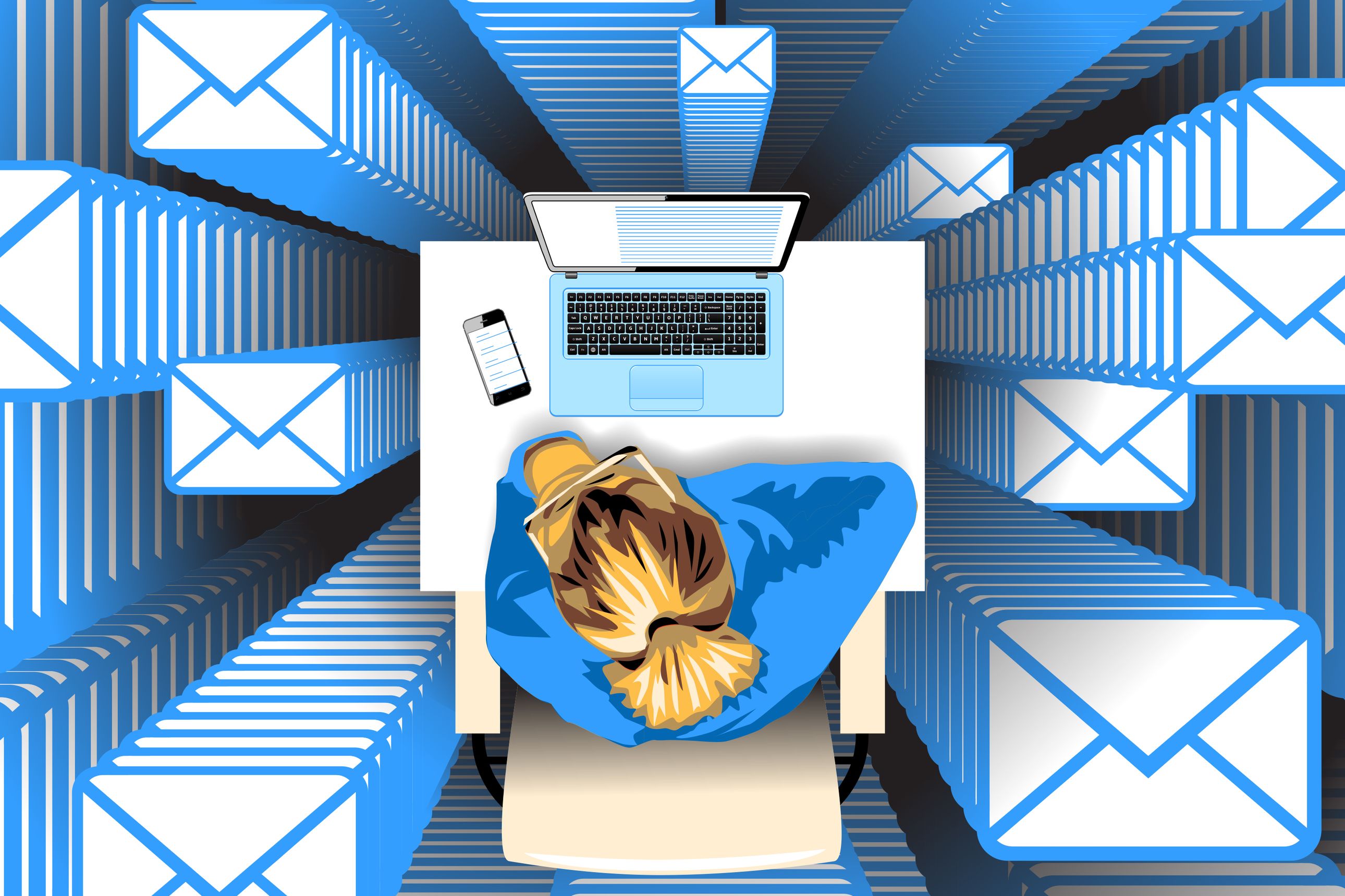
What if you had a perfect memory of every professional interaction or task you had tackled for the past 20 years? What if you could zip through your inbox in five minutes, instead of 50?
It’s all possible if you embrace a single principle of digital housekeeping: Don’t delete, archive.
Archiving means keeping every email, message and file that passes through your virtual fingers. Yes, I mean everything.
I have every email I’ve received or created in the past 17 years stashed in my current Gmail “All Mail” folder. That’s 318,568 of them.
Newsletter Sign-up
Technology
A weekly digest of tech reviews, headlines, columns and your questions answered by WSJ's Personal Tech gurus.
I also have a hard drive with all my files from the past 22 years, as well as a shoebox full of floppy disks with every file I created between the ages of 17 and 30.
That’s 35 years’ worth of comprehensive digital hoarding totaling some 1.5 terabytes of data. A hard drive that can hold my entire adult life only costs about $100.
I realize how this sounds, especially to people who get enormous psychological satisfaction out of deleting emails. But hear me out. That $100 worth of storage gives me professional superpowers. I blast through my email because I’m not trying to file or triage: Knowing I’ll keep everything forever means I only need to worry about what needs a reply, instead of figuring out what’s worth keeping or organizing.
What’s more, when I speak to somebody I haven’t been in contact with for months, or years, or ever, our conversation builds on any previous interactions or work with their business—because a quick search of my file archive reminds me of every single context in which they have ever hit my radar.
Those horrible project meltdowns, where you realize you’ve lost weeks of work due to an error a few hours ago? They don’t happen to me, because I constantly create new file versions as I work—so it’s easy for me to rewind to my last viable version. And when I start a new project, article or presentation, I have decades of past slide decks, data sets and documents I can remix and repurpose.
Life as a digital pack rat is different from filling your house or office with the clutter of physical possessions. Where physical clutter takes space, dusting and careful organization of anything you need to actually find again, digital clutter is nearly cost-free.
To vanquish your virtual Marie Kondo, and conquer that urge to delete any file that no longer sparks joy, you need to develop the systems and habits that make an archive valuable. That means embracing three core principles: Make your data searchable, archive constantly, and keep your information safe.
Make it searchable
The value of archiving—as opposed to deleting—is that it allows you to make use of past work. But to do that, it also has to be searchable. To that end:
Organize less. If the idea of archiving everything feels overwhelming, that’s because we often think of digital archives the way we think of physical archives: as files we need to carefully sort, label and organize in a time-consuming process. But the truth is that digital search is now so good, it’s perfectly fine to leave most of your files in a giant heap.
SHARE YOUR THOUGHTS
What do you think about archiving, rather than deleting, emails? Join the conversation below.
Systematize what you can. Having said that, a little organizing goes a long way. Commit to a basic structure for organizing your files into folders, whether that’s by date, project, client or type of work. For decades, I’ve kept all my work organized into a few big buckets based on type of work (“Writing,” “Clients,” “Presentations”) Within those buckets are folders for individual projects, and within the project folders, work is sometimes organized into subtopics or phases. I can find work I did 15 or 20 years ago by looking inside the project archive on my backup or cloud drive. It also helps to have a consistent way to name your files.
OCR it. Optical character recognition (OCR) is technology that turns any text—even text in a photograph, and even a photograph of handwritten text—into a searchable (and findable!) file. So if you have any written notes, whiteboards, business cards or other analog materials you want to make searchable, snap them and store the images in an OCR-enhanced application.
Archive constantly
Many people make a habit of deleting files or messages because the visual clutter is overwhelming, or makes it hard to find your most recent or relevant documents. But you don’t need to erase your old email or files: You just need them off your radar—as in, out of your inbox, off your computer desktop and out of sight. That means:
Clean your machine. Just because you keep everything doesn’t mean you keep it on the computer you’re using. Most computers slow down if their hard drives get really full. My laptop has pretty much everything I’ve done in the past three years, but everything older lives on my cloud drive and on a giant backup drive in my living room. When I need to find an older file (which happens once or twice a month) it’s easy to search the cloud or my backup drive, but I don’t have all those older files cluttering up my day-to-day search results.
Keep all your email. Instead of deleting emails, archive each email the moment you’re done with it, without worrying about filing or labeling it: This makes processing your email a lot faster. But don’t worry, that message will still pop up when you need it: Search for a colleague’s name or a keyword from a past email, and all those archived messages will instantly appear. You may find it helpful to have a few folders or labels for specific types of emails you want to keep as a collection—like supplier invoices or client kudos—but for the most part, search will find whatever you need, when you need it.
Automate your archives. It can help to harness the power of automation to make your email and file archives even more useful. Applications such as FileJuggler (for Windows) and Hazel (for Mac) let you create rules that tell your computer where and how to file particular kinds of files: You can tell your computer to stash PDFs in one folder and image files in another, or create rules that file your documents based on keywords inside the file. You can also use mail rules to automatically label or file the kinds of emails you need to refer to frequently. For example, I have a mail rule that applies a “Medical receipts” label to every incoming message from our family’s medical practitioners (if it contains the word “receipt” or “invoice”). These messages still hit my inbox (so I know to pay the bills!), but as soon as the bill is paid, I can hit my archive shortcut—knowing I’ll find this receipt in my “Medical receipts” folder when it comes time to submit an insurance claim or tax filing.
Keep it safe
Nothing is more terrifying than the possibility of losing your old files—except maybe for the possibility that someone else will access them. Here’s how to mitigate both risks:
Always have two versions of every file. Keep every file in your digital archive in at least two places, in case one of your backups fails. One copy of your archive should be stored locally (on your computer, a hard drive or a file server in your house or office). Another copy should be stored in the cloud. Your cloud archive is your guarantee of anytime, anywhere access—plus it’s your insurance against a hard drive that fails or gets stolen. Your local physical backup is your insurance in case a cloud service gets hacked or goes offline.
Store files in “permanent” formats. I have a lot of old files that are now unopenable unless I send them off for specialized conversions. And I have boxes of 3.5-inch floppies and Zip disks that keep me from giving away my one ancient Mac with a floppy and Zip drive until I copy all those files onto the cloud or a share drive. Keep your files in “mainstream” formats such as RTF, CSV and PDF, or at least in widely used app formats (.doc, .xls) and image standards (PNG, JPEG), and if you have a collection of old floppy disks or CDs of data, consider transferring them to a hard drive. The weirder/more specialized the format or medium, the harder it will be to open later.
Encrypt everything. When you’re archiving files, think about how sensitive they are, and take appropriate precautions to protect sensitive information. In most cases this means encrypting your archive folder or drive (so that other people can’t access your archive without a password, fingerprint or mobile authentication).
Making your data searchable, archiving constantly and keeping all your data safe may sound like a big project—but the biggest challenge lies in shifting your mind-set from deleting to archiving. Set up some simple structures and practices for archiving, and you’ll find you spend a lot less time maintaining your files, and a lot more time actually using them.
Dr. Samuel is a technology researcher and co-author of “Remote, Inc.: How to Thrive at Work…Wherever You Are.” Email her at reports@wsj.com.
Lessons From Hybrid Work
Does your schedule these days involve both working remotely and time in the office? If so, we'd like to hear if there are things you do—or your employer does—that make it both personally and professionally satisfying, and productive for your employer.<div></div>
By submitting your response to this questionnaire, you consent to Dow Jones processing your special categories of personal information and are indicating that your answers may be investigated and published by The Wall Street Journal and you are willing to be contacted by a Journal reporter to discuss your answers further. In an article on this subject, the Journal will not attribute your answers to you by name unless a reporter contacts you and you provide that consent.